advertisement3
Minecraft Complete Guide: From Survival to Master Builder
advertisement2
Game Introduction
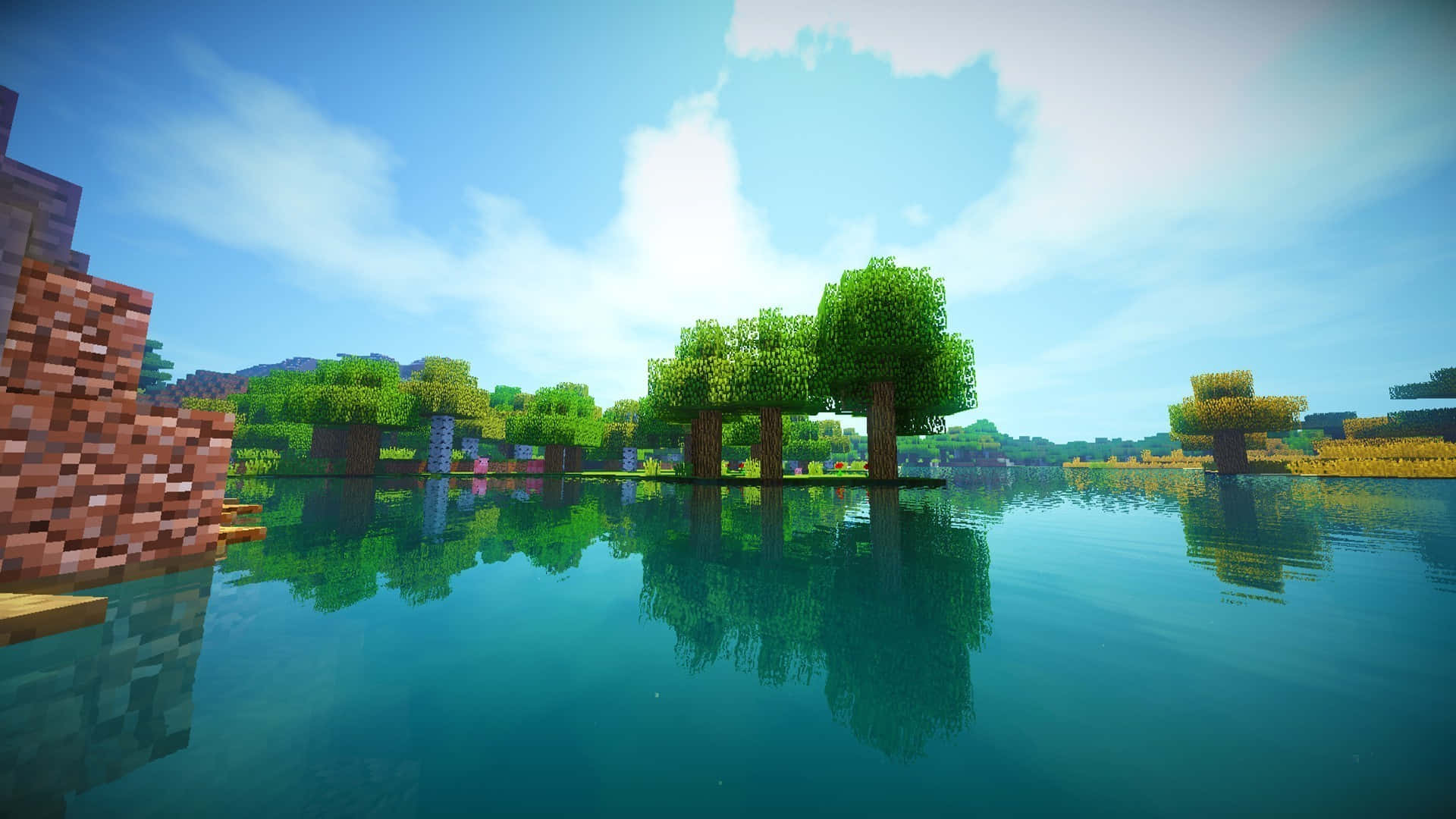
Minecraft is a sandbox game developed by Mojang Studios, where players can explore, build, and survive in a procedurally generated world made of blocks. This guide will help you master the game’s mechanics and unleash your creativity.
Survival Basics
Getting Started
- First Day: Punch trees for wood, craft tools, build a shelter
- First Night: Stay in shelter, avoid monsters
- Basic Tools: Wood → Stone → Iron → Gold → Diamond
Resource Gathering
- Wood: Chop trees
- Stone: Mine with pickaxe
- Iron: Mine iron ore with stone pickaxe
- Gold: Mine gold ore with iron pickaxe
- Diamond: Mine diamond ore with iron pickaxe at Y=1-15
Food and Farming
- Hunting: Kill animals for meat
- Fishing: Craft fishing rod, fish in water
- Farming: Plant seeds, harvest crops
- Breeding: Breed animals for sustainable food source
Combat
- Monsters: Zombies, skeletons, creepers, spiders
- Weapons: Sword, bow and arrow, trident
- Armor: Leather → Chainmail → Iron → Diamond → Netherite
- Enchantments: Enchant weapons and armor for bonuses
Building Techniques
Basic Building
- Foundation: Create a solid base
- Walls: Build walls with desired material
- Roof: Create a roof to protect from weather
- Windows: Add windows for light and visibility
Advanced Building
- Terraforming: Shape the landscape
- Redstone: Add functional elements
- Furniture: Create tables, chairs, beds
- Decorations: Add paintings, banners, carpets
Building Styles
- Medieval: Castles, villages, taverns
- Modern: Skyscrapers, houses, offices
- Fantasy: Wizard towers, elven cities, dwarven mines
- Steampunk: Airships, factories, machinery
Mega Projects
- Cities: Build entire cities with districts
- Monuments: Create massive statues and structures
- Redstone Computers: Build functional computers
- Game Maps: Create custom game maps
Redstone Engineering
Basic Redstone
- Redstone Dust: Transmits power
- Redstone Torch: Provides constant power
- Levers: Toggle power on/off
- Buttons: Temporary power source
Advanced Redstone
- Repeaters: Delay and boost signal
- Comparators: Measure and compare signals
- Pistons: Push and pull blocks
- Observers: Detect block changes
Redstone Contraptions
- Doors: Automatic doors
- Traps: Mob and player traps
- Farms: Automatic crop and mob farms
- Transportation: Minecarts, elevators, flying machines
Exploration
Overworld
- Biomes: Forests, deserts, mountains, oceans
- Structures: Villages, temples, mineshafts, strongholds
- Dimensions: Overworld, Nether, End
Nether
- Portals: Build nether portals with obsidian
- Resources: Nether quartz, glowstone, nether wart
- Structures: Nether fortresses, bastions, nether cities
- Mobs: Ghasts, zombie pigmen, blazes, wither skeletons
End
- Portals: Activate end portal in stronghold
- Bosses: Ender Dragon, Wither
- Resources: Ender pearls, chorus fruit
- Structures: End cities, end ships
Multiplayer
Servers
- Survival Servers: Play survival with other players
- Creative Servers: Build with unlimited resources
- Mini-Game Servers: Play custom mini-games
- Roleplay Servers: Roleplay in custom worlds
Multiplayer Tips
- Communication: Use chat to communicate
- Cooperation: Work together on projects
- PvP: Enable player vs player combat
- Griefing: Protect your builds from griefers
Mods and Resource Packs
Mods
- Performance Mods: Optifine, Sodium
- Content Mods: Forge, Fabric, Bukkit
- Gameplay Mods: Tinkers’ Construct, Thaumcraft, BuildCraft
Resource Packs
- Texture Packs: Change block and item textures
- Shader Packs: Add realistic lighting and effects
- Sound Packs: Change game sounds
Conclusion
Minecraft is a game that offers endless possibilities, from survival challenges to creative building. With the guidance of this guide, you’ll be able to master the game’s mechanics and create amazing worlds. Remember, the only limit is your imagination.
advertisement1