Roblox Complete Guide: Game Creation and Exploration
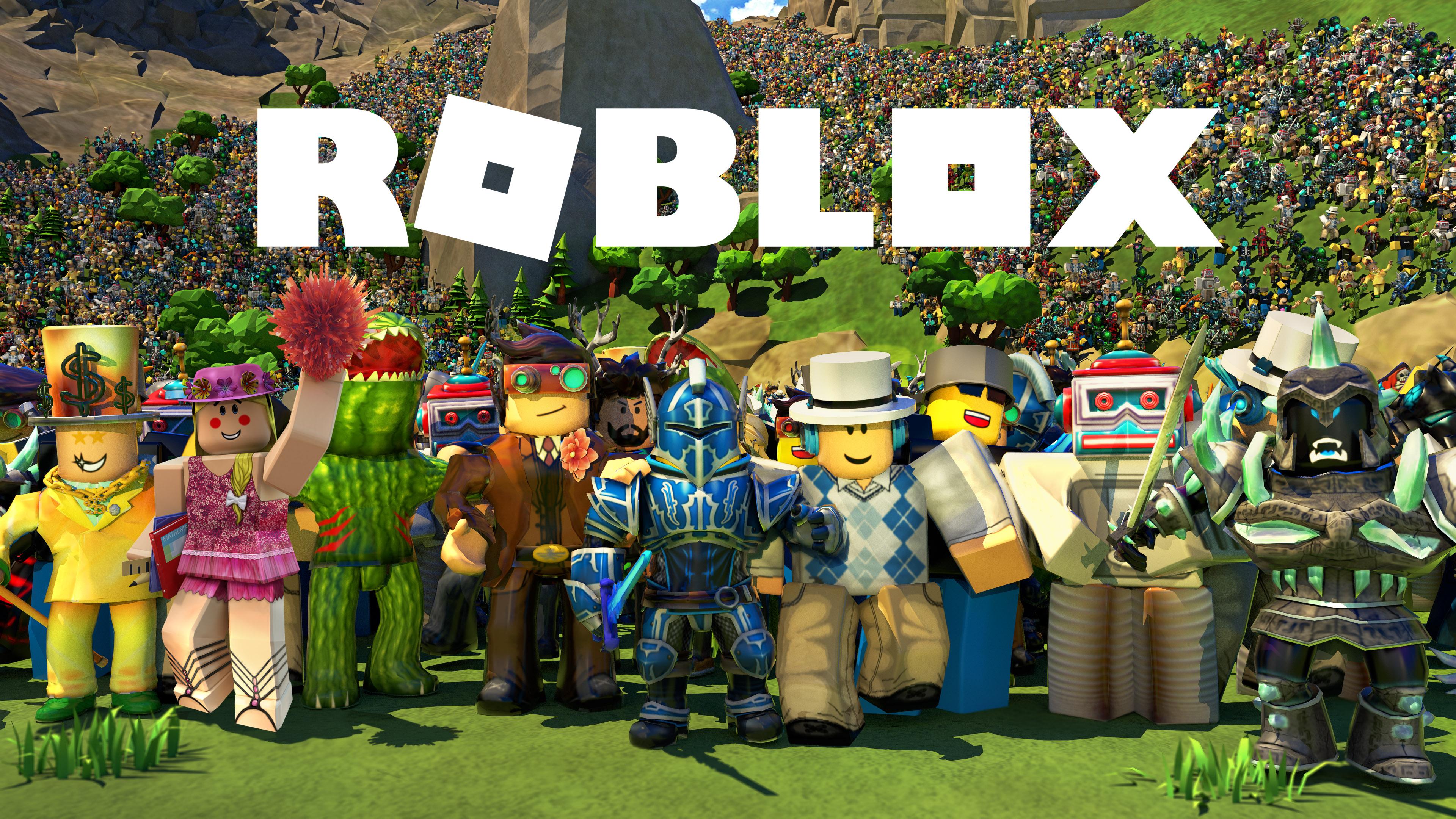
Game Introduction
Roblox is a sandbox platform developed by Roblox Corporation, allowing users to create and play games created by other users. This guide will help you master the platform and make the most of your Roblox experience.
Game Exploration
Popular Game Genres
-
Adventure: Explore worlds, complete quests
- Top Games: “Adopt Me!”, “Jailbreak”, “Royale High”
-
Action: Combat, racing, parkour
- Top Games: “Phantom Forces”, “Tower of Hell”, “Vehicle Simulator”
-
Roleplay: Create characters, interact with others
- Top Games: “Brookhaven RP”, “MeepCity”, “Bloxburg”
-
Simulation: Real-life scenarios, building
- Top Games: “Welcome to Bloxburg”, “Restaurant Tycoon 2”, “Theme Park Tycoon 2”
-
Obstacle Course: Parkour, challenges
- Top Games: “Tower of Hell”, “Honey I Shrunk the Kids”, “Speed Run 4”
-
Tycoon: Build businesses, manage resources
- Top Games: “Restaurant Tycoon 2”, “Theme Park Tycoon 2”, “Mall Tycoon”
Finding Games
- Home Page: Featured games, recommendations
- Discover Page: Browse by category, popularity
- Search Bar: Search for specific games
- Friends: See what friends are playing
- Groups: Join groups for game recommendations
Game Features
- Game Passes: Special in-game perks
- Developer Products: In-game purchases
- Codes: Redeem codes for free items
- Events: Seasonal events with exclusive items
- Badges: Earn badges for achievements
Social Features
- Friends: Add and chat with friends
- Groups: Join or create groups
- Chat: Text and voice chat
- Parties: Create private parties
- Messaging: Send private messages
Game Creation
Roblox Studio
- Installation: Download from Roblox website
- Interface: Explorer, Properties, Toolbox, Output
- Basic Tools: Select, Move, Scale, Rotate
- Advanced Tools: Script Editor, Animation Editor, Terrain Editor
Game Development Process
Planning
- Game Concept: Define game idea
- Target Audience: Identify target players
- Game Mechanics: Plan gameplay elements
- Art Style: Define visual style
- Monetization: Plan how to earn Robux
Building
- Terrain: Create landscapes
- Structures: Build buildings and objects
- Models: Create and import models
- Textures: Apply textures to objects
- Lighting: Set up lighting
Scripting
- Lua: Programming language used in Roblox
- Basic Scripts: Movement, interactions
- Advanced Scripts: AI, physics, game mechanics
- Script Organization: Modules, server/client scripts
Testing
- Playtesting: Test game with friends
- Bug Fixing: Identify and fix bugs
- Balancing: Balance game mechanics
- Feedback: Collect and implement feedback
Publishing
- Game Settings: Configure game settings
- Thumbnails: Create attractive thumbnails
- Descriptions: Write compelling descriptions
- Tags: Add relevant tags
- Publishing: Publish game to Roblox
Popular Game Creation Templates
- Obby Template: Create obstacle courses
- Tycoon Template: Create tycoon games
- FPS Template: Create first-person shooters
- Roleplay Template: Create roleplay games
- Simulator Template: Create simulator games
Monetization Strategies
- Game Passes: Sell special perks
- Developer Products: Sell in-game items
- Ads: Display ads for Robux
- Sponsorships: Partner with brands
- Premium Payouts: Earn from Premium users
Robux and Economy
Earning Robux
- Game Monetization: Earn from game sales
- Group Payouts: Earn from group games
- Trading: Trade limited items
- Premium Payouts: Earn from Premium users
- Developing: Create and sell games
Spending Robux
- Game Passes: Buy special perks
- Developer Products: Buy in-game items
- Avatar Items: Buy clothing and accessories
- Game Development: Buy assets for games
- Groups: Create and manage groups
Trading
- Limited Items: Trade limited edition items
- Trading System: Use Roblox trading system
- Value Checking: Check item values before trading
- Safety: Avoid scams
Safety and Community Guidelines
Safety Tips
- Privacy Settings: Adjust privacy settings
- Reporting: Report inappropriate content
- Blocking: Block unwanted users
- Parental Controls: Use parental controls
- Scam Awareness: Avoid scams
Community Guidelines
- Respect Others: Be respectful to other players
- Appropriate Content: Create appropriate content
- No Hacking: Don’t use hacks or exploits
- No Scamming: Don’t scam other players
- Follow Rules: Follow Roblox community rules
Tips for Success
As a Player
- Explore: Try different games
- Connect: Make friends and join groups
- Participate: Join events and challenges
- Be Safe: Follow safety guidelines
- Have Fun: Enjoy the Roblox experience
As a Developer
- Learn: Study game development
- Practice: Create multiple games
- Iterate: Improve games based on feedback
- Promote: Share games with friends and groups
- Be Patient: Success takes time
Advanced Tips
- Scripting: Learn Lua programming
- Modeling: Learn 3D modeling
- Animation: Learn animation techniques
- UI Design: Learn user interface design
- Marketing: Learn game marketing
Conclusion
Roblox is a versatile platform that offers endless possibilities for both players and developers. Whether you’re exploring user-created games or creating your own, this guide will help you make the most of your Roblox experience. Remember, the key to success on Roblox is creativity, persistence, and respect for the community!